Scaling Your Merch Business: Moving Beyond T‑Shirts
T‑shirts are a fantastic gateway into the world of Amazon Merch on Demand—but relying solely on them limits your growth potential. As you gain traction, the next level is strategic expansion. Designing for tech accessories, home goods, apparel variations, and trend-based collectibles can help boost revenue, diversify risk, and command higher price points.
This guide will show you:
- Why expanding is essential to scale
- Product categories to explore beyond tees
- Design strategy differences for each category
- How to leverage Merch Informer tools in the process
- Marketing and packaging tips to enhance cross-selling
1. Why You Should Expand Beyond T‑Shirts
While T‑shirts are easy to design and list, they’re also highly competitive. Your design might perform well in a niche, but growth plateaus if you don’t branch out. By adding more product types to your portfolio:
- Reach new audiences—a drinkware buyer isn’t always a tee buyer
- Increase AOV—bundles and higher-priced items like hoodies or tumblers bring in more revenue
- Seasonal resilience—you can pivot between categories that peak in different seasons
- Brand credibility—a cohesive product line boosts your buyer’s perception
Merely uploading the same design across another product is not enough—you need thoughtful design adjustments and tool-backed testing to ensure fit, engagement, and sales across formats.
2. Product Categories to Expand Into
Here’s a breakdown of Merch on Demand products available and why they matter:
Apparel Variations
- Premium T‑Shirts: softer fabrics, appeal to higher-end buyers.
- V-neck, Tank Tops: attract female and fitness purchasers.
- Long Sleeve Tees: ideal for transitional seasons, layering designs.
- Pullovers, Crewneck, Zip Hoodies: sell at $25–$45; built-in margins; appeal to colder climates.
Design Tip: Adapt design placement for higher neckline hoodies and padd design to fill garment area.
Accessories
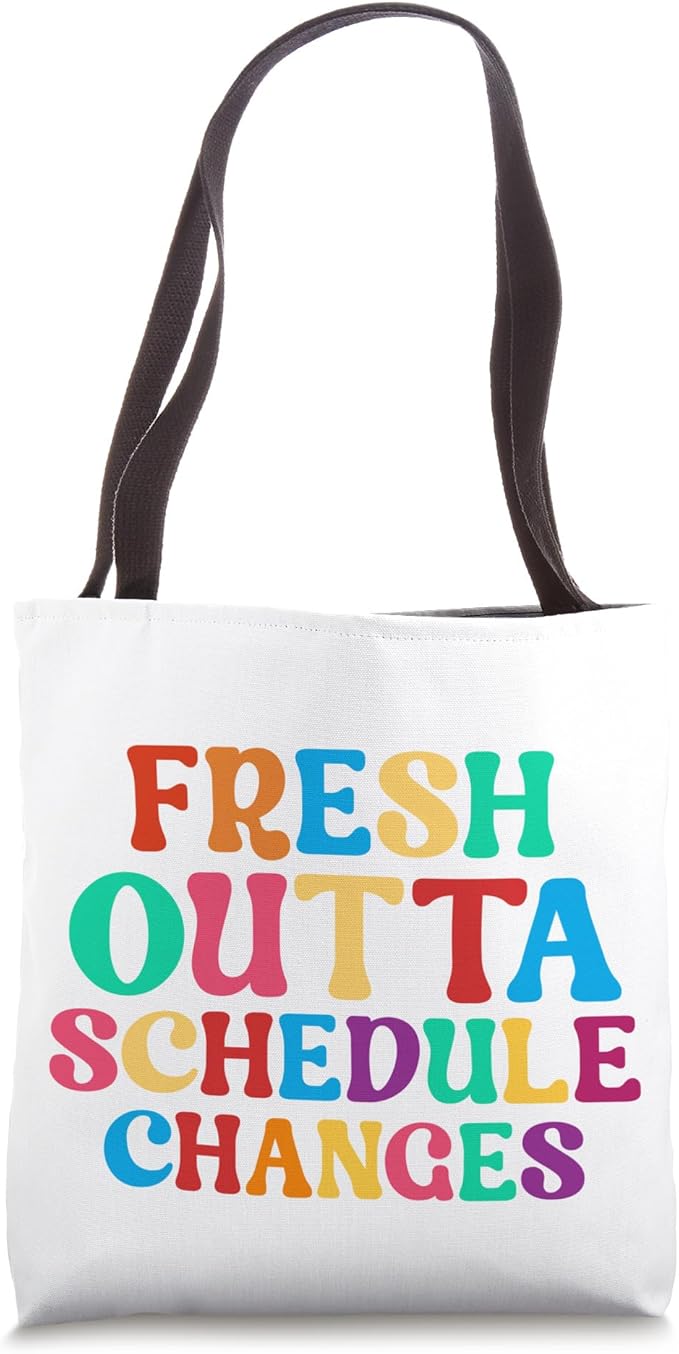
- Tote Bags: reusable, eco-friendly, and high utility.
Design Tip: Choose minimal, bold graphics that pop on beige/tan canvas.
Tech Items
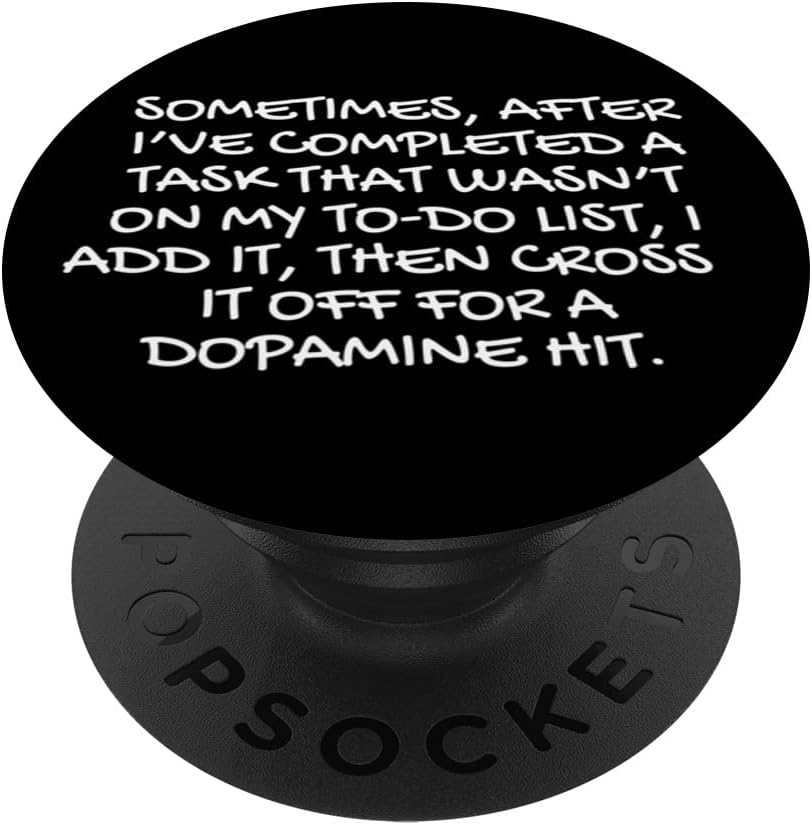
- PopSockets: quick impulse buy; designs need to center within 2-inch circle.
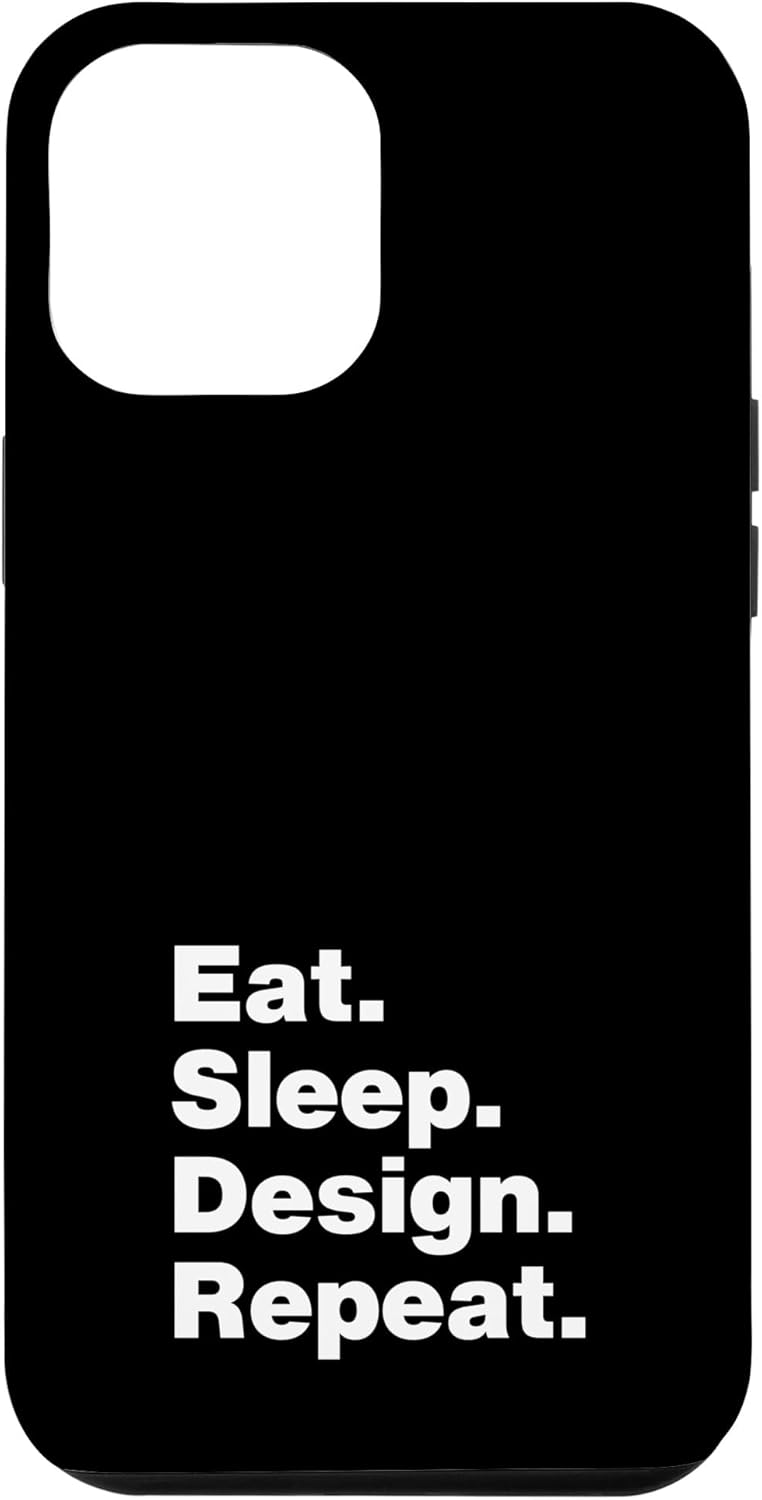
- Phone Cases: rigid canvas, crop your full-art design to edge bleed.
Home Goods
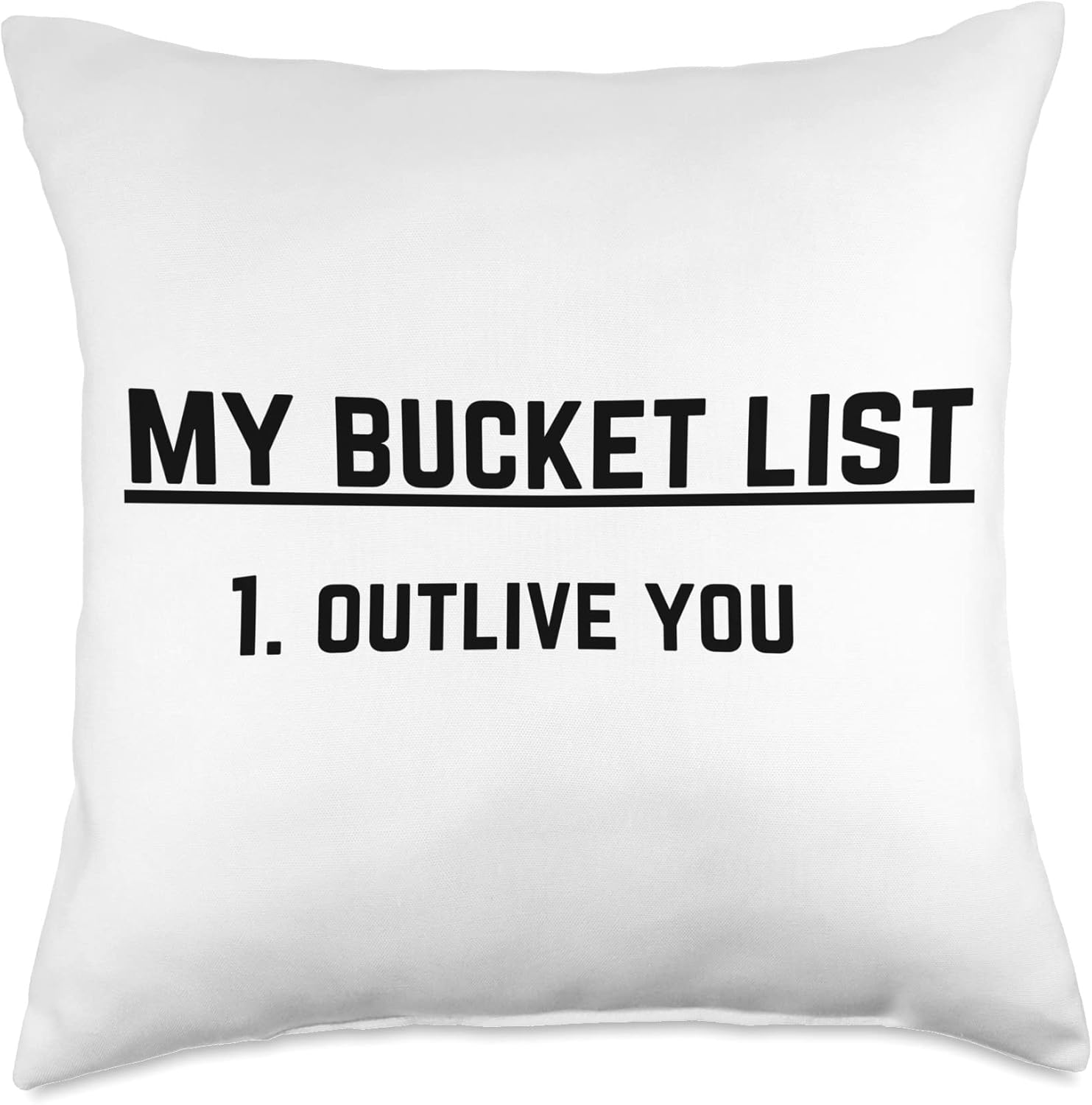
- Throw Pillows: cozy décor, ideal for pattern-based designs.
- Tumblers: wrap designs that contrast with stainless steel—encourage mockup shots of real use.
Design Tip: Use all-over patterns, themed collections—e.g., “Autumn leaves” or “Minimalist geometric”.
3. Design Strategy Adjustments by Product
Apparel vs Accessories
- Apparel: think vertically—front, full chest art. Use darker elements for hoodies; lighter t-shirts suit high contrast.
- Tote Bags: square or portrait; design safe-area central.
- PopSockets: circular; pivot design to center with border breathing room.
- Phone Cases: crop art vertically; avoid obstructing camera hole (check templates).
- Throw Pillows & Tumblers: seamless, wrap-around backgrounds. Consider mockups with sofa/glasses.
Mockup Advice:
- Use Merch Informer’s mockup previews.
- Export flat files and test video reels to evaluate real-world prints.
4. Using Merch Informer to Scale
A. Niche Exploration
- Trend Hunter: filter for product type. Search influencers or trending “cup”, “tote bag”, “necklace”. Boom—you see rising searches.
- Export niche clusters for caffeine themes (mugs/tumblers) or pet motifs across product lines.
B. Keyword Sourcing
- Keyword Tool: gather terms like “funny tote bag”, “pastel sweatshirt”, “travel tumbler”.
- Add long tails (e.g., “coffee travel tumbler stainless”) to tags and titles.
C. Design Ideas
- AI Tools: use mockup tool to test variations programmatically. Blend designs in each product context to check clarity.
- Quick Watt feature generates layout text sculptures; edit for each format.
D. Competition Analysis
- Competition Analyzer: segment by product; see top designs across phone cases vs hoodies.
- Use Saved Listings tracker to monitor popular designs weekly—adapt to your theme.
E. Listing Creator & Scaling
- Listing Creator: Bake in designs per product with optimized titles. Add 13-15 tags with format-specific words (“iphone 14 case”, “25 oz stainless tumbler”).
Workflow Example:
- Generate design on tee.
- Use Trend Hunter to verify product demand for tote and tumbler.
- Adjust design size/art placement for bag and tumbler.
- Use Listing Creator three product listings.
- Schedule uploads.
Pro Tip: Use Calendars to time seasonal drops like Valentine’s, Halloween hoodies, or summer tote bags.
5. Marketing and Bundling Strategy
Product Bundles
- Create product bundles (tee + tumbler) with “Matching Set” to upsell.
- Offer bundle discounts to increase AOV.
Cross-Market Use Cases
- Display smartphone/table mockups for phone cases and tumblers in one lifestyle photo.
- Encourage buyers to gift entire collection (“Mug + Tee = Perfect Mom Gift”).
Launch Strategy
- Social Media: Share multiple mockups with captions like “Now on T’s, totes & tumblers!”
- Merch by Amazon Ads: test ads per product to find high converting formats.
- Email Campaigns: highlight new offerings to returning buyers and list bundles.
Seasonal Focus
- Hoodie and pillow designs in Q4.
- Tote + tumbler in spring and summer.
- Track data via Merch Informer Analytics Metrics to know which category performs best.
6. Scaling Operations with Reuse & Unique Color Choices
- Retain Brand Identity: use consistent background color palettes or a set of fonts across categories.
- Modular Design: create art layers allowing Apparel-only or full bundle versions.
- Mockup Batch Production: use Merch Informer’s bulk upload and mockup export to save time when designing new products.
7. Monitor Performance & Refine
- Track metrics per product in Merchandise Analytics.
- Run A/B tests for price variations and product hierarchy—use top-performing variants across lines.
- Optimize listing titles (“Funny cat tote”; “Funny cat sweatshirt”) based on clicks and conversion data.
✅ Action Plan – From T‑Shirt to Multi‑Product Shop
| Week | Task |
|---|---|
| 1 | Identify top 3 existing best-selling tee designs |
| 2 | Use Trend Hunter + Keyword Tool for phasing new products |
| 3 | Adapt designs and create mockups/Listing Creator templates |
| 4 | Launch tote/pullover/PopSocket product line |
| 5 | Set up A/B tests on price/image via Merch Informer |
| 6 | Evaluate campaign performance and repeat scaling |
Conclusion
Scaling beyond T‑shirts transforms your business from single-product hustle into a robust brand with diverse income streams. Leveraging Merch Informer gives structure to your experimentation—helping you discover where your designs resonate most, across categories. With thoughtful design adjustments, data-powered insights, and smart marketing, you can unlock new margins, audiences, and sales growth.