A Comprehensive Guide to Merch Informer’s Competition Checker
For print-on-demand sellers on Merch by Amazon, competition rules everything. You can have the slickest design or the cleverest slogan, but if you’re stepping into a saturated niche, your product may never get seen. Merch Informer’s Competition Checker is your antidote. It goes beyond guesswork—using data-driven insights into how many listings compete for your target keywords, their BSR performance, pricing trends, and much more.
In this guide, you’ll learn:
- What the Competition Checker does at a glance
- Why it matters for your merch business
- How to access and interpret key metrics
- Real-world workflows using the tool
- Advanced strategies for niche mastery
- Mistakes to avoid
- Step-by-step launch checklist
Let’s dive in.
1. What Is Competition Checker—And What It Shows You
Imagine being able to instantly see:

- How many listings contain your target keywords
- Their Best Seller Rank (BSR) tiers and averages
- Price distribution and listing age
- The level of saturation in a niche
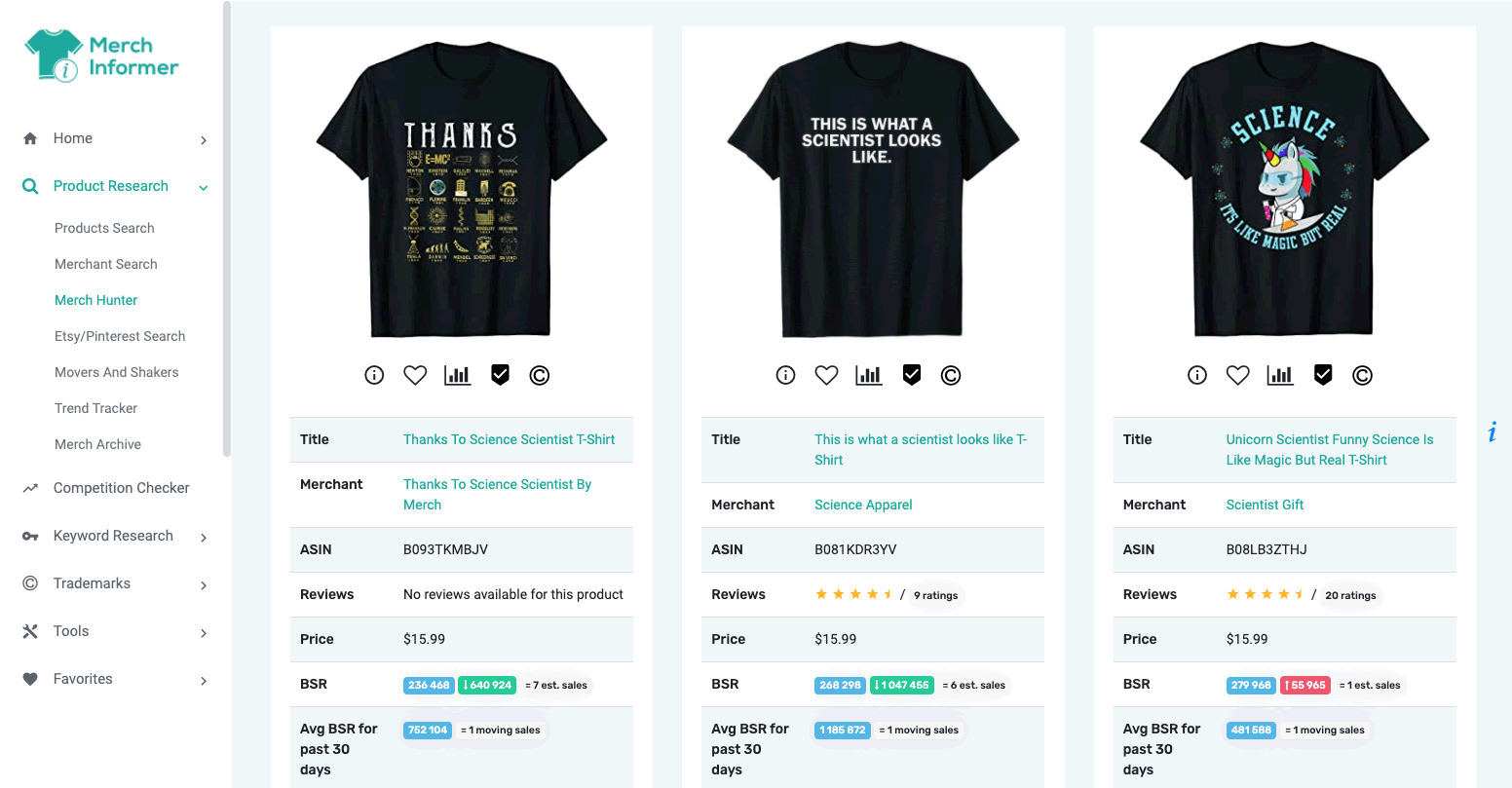
That’s exactly what Merch Informer’s Competition Checker provides. It analyzes Amazon’s algorithms and surfaces data so you can assess how crowded your keyword space really is. Here’s what you get:
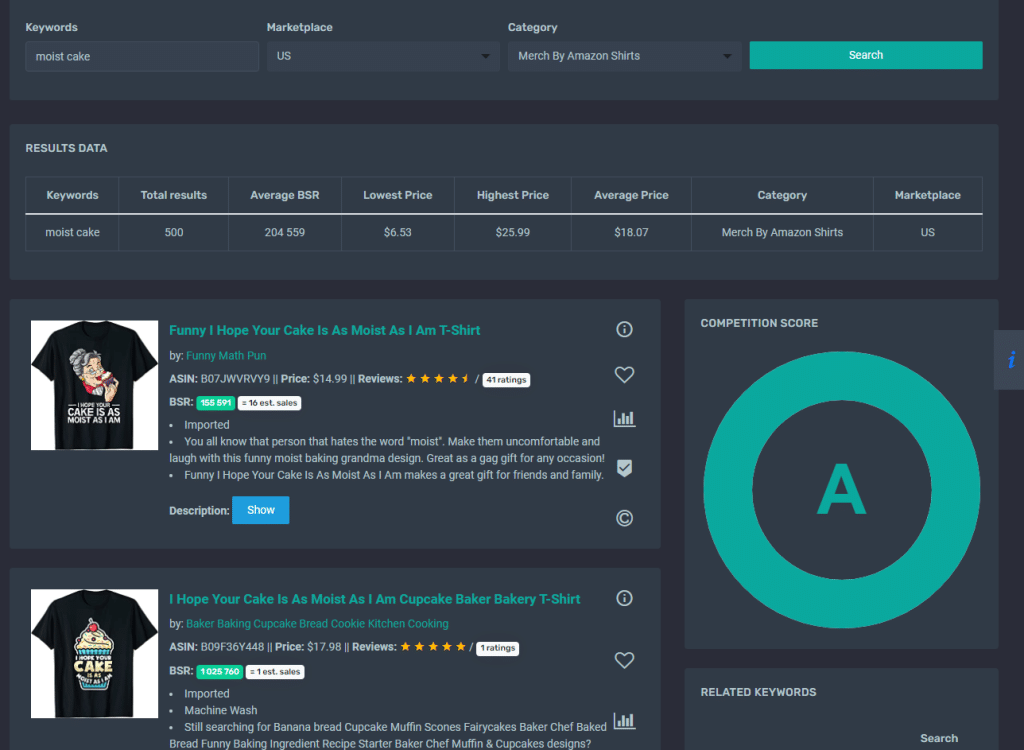
- Listings Count: The total number of results when searching a keyword + variations.
- BSR Breakdown: How many listings are in top-tier ranking bands (e.g., <100K, 100–200K).
- Average Price: Helps you spot over- or underpricing traps.
- Listing Ages: Are winners fresh or longstanding?
- Design Saturation Warning: Indicates whether it’s a “cold, warm, or hot” niche from a competitive standpoint.
This mix of quantitative (counts, averages) and qualitative (age, saturation level) insights lets you strategize intelligently—whether it means jumping in, pivoting, or optimizing.
2. Why Competition Data Matters More Than “Volume Alone”
Sure, a high-volume keyword sounds good—until you see hundreds or thousands of listings already competing.
Here’s why competition data changes everything:
- High Volume + High Competition = Hard climb
- Moderate Volume + Low Competition = Fast wins
- Low Volume + Low Competition = Micro-niche gold
- High Volume + Low Competition = Jackpot
Volume only tells what people search. Competition Checker tells how much energy and cost is required to show up there. That’s the difference between a failed listing and one that racks up sales in weeks.
3. Step-by-Step: Using the Competition Checker
A. Launch the Tool
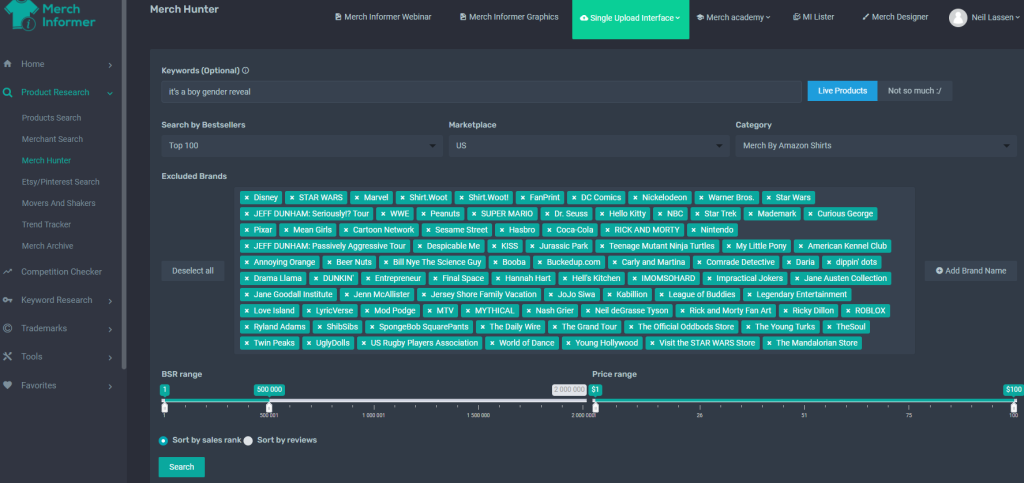
Find it under the “Research” dropdown in Merch Informer. Input your primary keyword—like “dog mom sweatshirt”—and click “Check Competition.”
B. Review the Dashboard
You’ll see:
- Total listing count
- Listings by BSR tiers (Top 100K, 100–300K, etc.)
- Average and range of prices
- Average listing age and saturation visual
- Saturation indicator: red means overcrowded, green means opportunity
C. Interpret the Numbers
- A low total count (<500) with a high % in <200K = niche ripe for new entrants
- A high count (>2000) with few in <200K = oversaturated
- Average price >$25 might signal premium designs, opportunity for upmarket pitching
- Older listing ages may imply brand loyalty; occasional fresh winners indicate fair chance
D. Combine with Volume Data
Cross-check with Keyword Finder or Product Tracker:
- High-volume, low-competition combos = priority targets
- **Medium volume, low competition = micro-niche test beds
4. Workflows That Use Competition Data
1. Keyword Prioritization
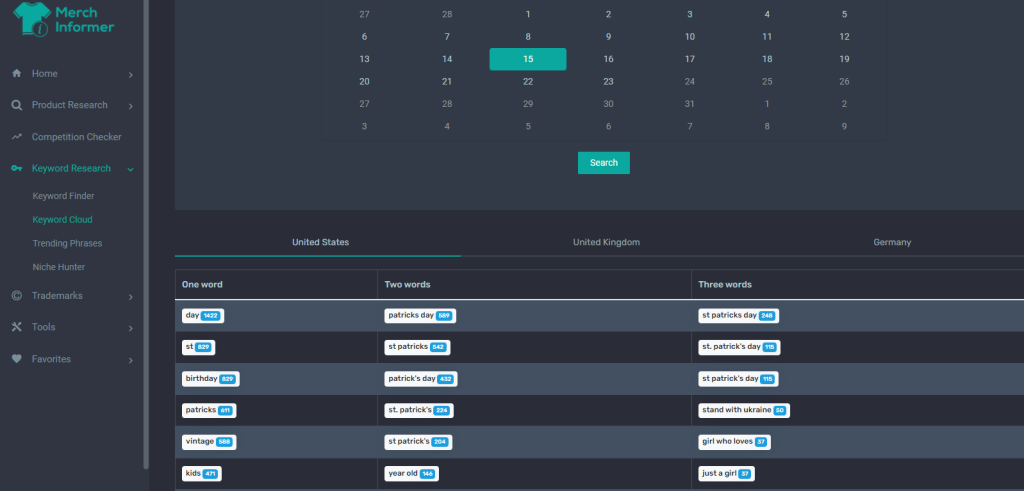
- Search niche ideas in Keyword Finder first
- Run top 10 through Competition Checker
- Prioritize red/yellow “low competition” keywords
2. Niche Clustering
- Identify long-tail branches like “dog mom sweatshirt funny” for comparison
- Check saturation scores for each variant
- Build a cluster of viable keywords you can launch 10+ designs around swiftly
3. Validate Demand Before Design
Before mockups:
- Confirm low competition relative to volume
- Adjust design angle (funny + dog mom + coffee theme is less saturated than simple “dog mom”)
4. Price Benchmarking
Average price from the tool informs your own strategy:
- +5–10% held higher design value? Good
- Pricing 20% lower for entry-level may out-convert
5. Advanced Tactics with Competition Checker
A. Identify “Sleeping Niches”
When a keyword shows low competition and few recent entrants, you might find design space untouched for months. FAST-move with multiple listings to dominate.
B. Seasonal Niche Timing
Search competition for seasonal ideas:
- “Christmas sweatshirt shirt” vs “golf sweatshirt”
- Launch when competition is low but seasonal indicators show rising trend (via Trend Hunter)
C. Look for Design Loopholes
Use the checker to identify keywords where competitors under-deliver:
- E.g., “dog mom hat” vs “dog mom cap”
- If saturation low, it’s a design opportunity waiting
D. Testing Strategy
Build A/B testing campaigns for closely related low-competition keywords every quarter. Use the Competition Checker to vet them before each campaign
6. Common Pitfalls to Avoid
- Overestimating low listing count
A low total count might mean zero search volume. Pair with Macro Volume research first. - Ignoring BSR distribution
A niche with lots of listings could still have few top-performers—meaning landing spots might still exist. - Mispricing your entry
If average price is high, underpricing ONLY makes sense if your design feels premium and can still convert. - Forgetting update timing
Competition data updates weekly—rerun the checker before every new launch.
7. Step-by-Step Competition-Based Launch Checklist
- Brainstorm 5–10 keyword themes
- Pull search volume using Keyword Finder
- Run each through Competition Checker
- Record ratings: volume, listing count, saturation
- Prioritize keywords with low/moderate competition + good volume
- Research competitor listing pages for insight
- Create 10–20 designs targeting your chosen keywords
- Price based on average + value-add
- Upload using Listing Optimizer to ensure SEO
- Track performance for 14 days, iterate as needed
8. Real-World Examples
Winning: “Dog Mom Mug”
- Competition Checker: ~300 total, 50 under 200K BSR – low saturation
- Volume: 8,000/mo from Keyword Finder
- Sellers launched versions quickly and gained Page 1 in <2 weeks
Opportunity: “State Pride PopSocket”
- Checker: 90 listings total, 20 below 300K BSR
- Volume: 4,500/mo
- Smart move → sellers produced state-specific designs and captured regional searches
Saturated Pitfall: “Funny Christmas Sweatshirt”
- Checker: 5,000+ listings, 80% in top 300K BSR
- Still possible: niche down—add “ugly sweater” or “couples matching” variants for unique angles
9. Final Takeaways
Merch Informer’s Competition Checker empowers you to:
- Know how many sellers you’re up against
- Understand pricing and performance distribution
- Find micro-niche spaces others are missing
- Launch data-led designs with clarity and speed
- Avoid saturated keywords that waste time and resources
By building this analysis into your launch rubric, you trade guesswork for an evidence-based approach—turning what used to be a gamble into a repeatable process.
Final Thoughts
Competition Checker isn’t just a tool—it’s the lens through which you view your niche viability. Combined with keyword volume, trend, and design optimization tools in Merch Informer, it becomes the foundation of scalable strategy.
Next time you’re planning new designs, don’t skip it. Run every candidate keyword through Competition Checker, make informed moves, and launch with confidence.