How to Leverage Limited‑Time Promotions for Increased Visibility
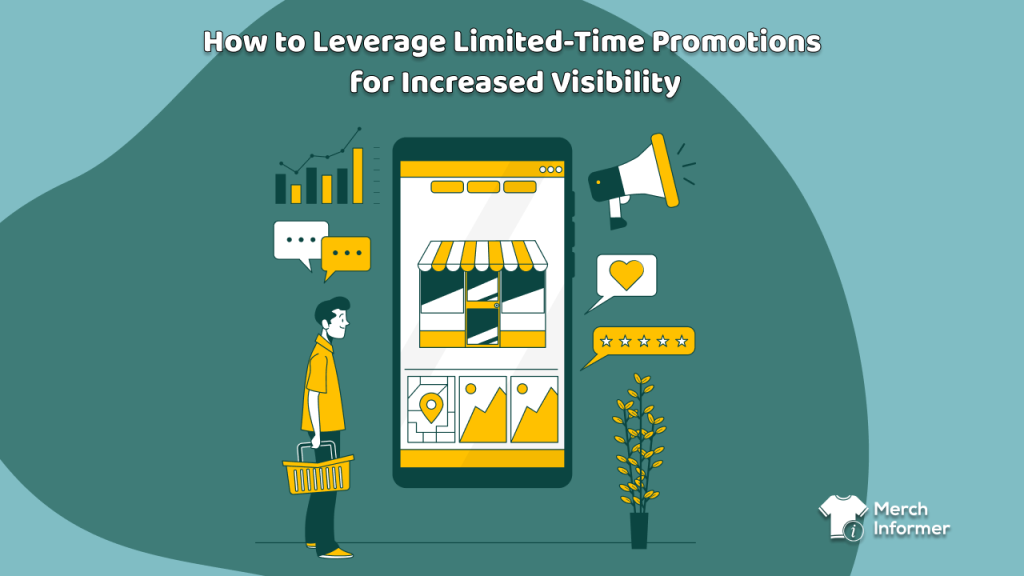
Running print-on-demand designs on Amazon isn’t only a numbers game—it’s about timing, momentum, and interaction. Limited-time promotions—flash sales, seasonal offers, and targeted campaigns—can generate bursts of visibility that propel your listings to page one organically. But without data-driven timing, you risk wasting promotional firepower.
This guide shows how to plan, launch, monitor, and refine promotions using MerchInformer’s toolkit:
- Why promotions matter
- Timing with trend and search data
- Choosing which products to promote
- Planning the promotion details
- Optimizing listings and ads ahead of launch
- Executing the campaign
- Monitoring impact with MerchInformer
- Post-campaign steps
- Avoiding common mistakes
- Actionable campaign checklist
Let’s turn visibility into sustained success—sparingly, but strategically.
1. Why Short‑Term Promotions Work
Limited-time promotions deliver value beyond immediate sales:
- Organic rank boost: Amazon’s algorithm favors sudden spikes—promotions help accelerate reach.
- Listing rejuvenation: Older listings can get a second wind with a discount push.
- Customer acquisition: Low-risk pricing attracts first-time buyers to your brand.
- Algorithm traction: Increased impressions, clicks, and sales tell Amazon, “This is relevant”.
- Cross-selling opportunities: Traffic from promos helps you upsell other designs.
But poorly planned promos yield minimal visibility and suboptimal ROI. The key is data-driven timing.
2. Timing Promotions Using Data
A. Use Trend Hunter
Spot trending keyword spikes. Launch promotions right when volume increases—for example, “st. patrick’s day sweatshirt” in February.
B. Monitor Seasonality
Check historical data—Search Volume graphs in Keyword Finder show consistent peaks (e.g., “4th of July tee” in June). Plan promos 4 weeks prior to capture early shoppers.
C. Leverage Product Tracker
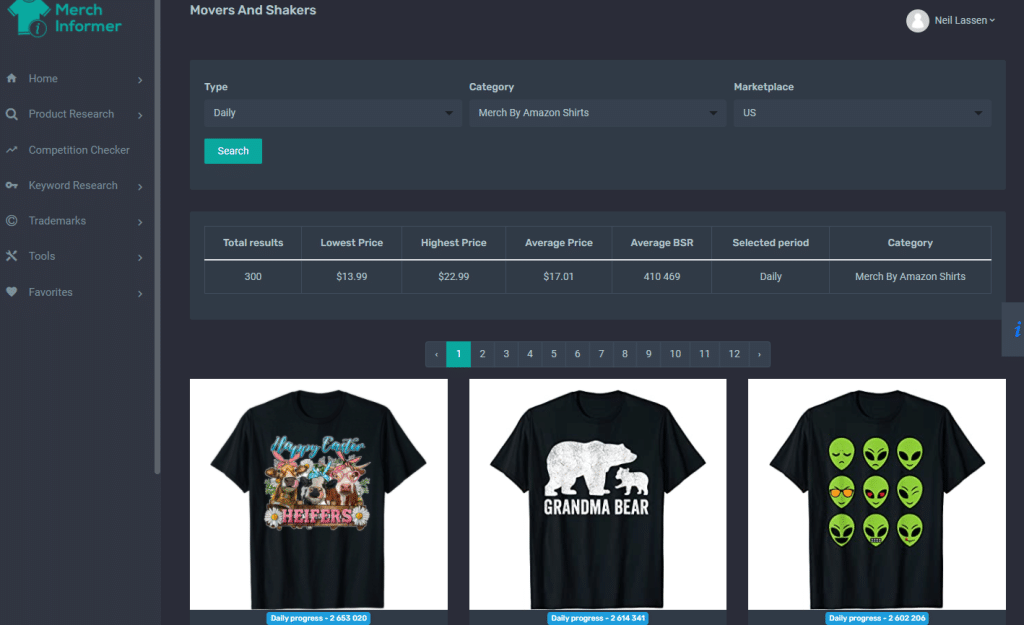
Track week’s impressions and BSR. A stagnating listing with a strong keyword match is ripe for promotion.
D. Evaluate Competition
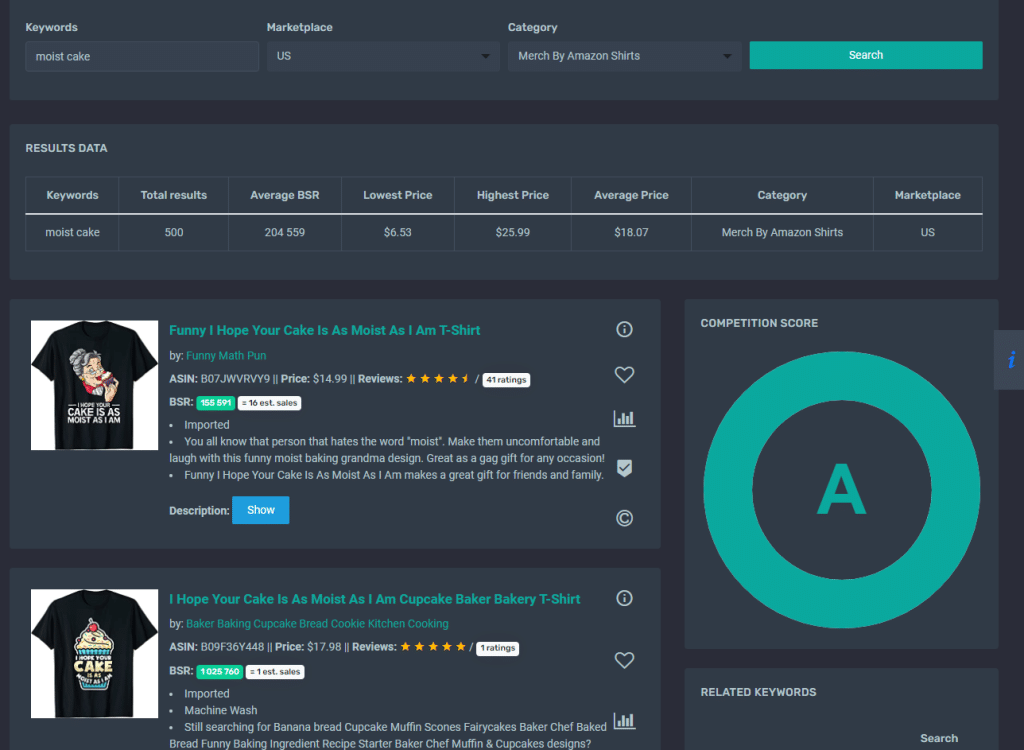
Use Competition Checker to confirm niche’s promotional viability. Avoid heavily saturated seasons where visibility boost is muted.
3. Selecting Products to Promote
Ideal candidates for limited-time promotions:
- Slow burners: Designs with moderate traffic but flat sales
- Seasonal pieces: Holiday or event-related designs during off-peak
- Bundled/up-sellables: Promote a base product to drive traffic to other catalog items
- Experimentals: New listings that need quick traction
Use MerchInformer data to categorize your list:
| Listing | Impressions | Volume Keyword Match | Competition | Seasonal Score |
|---|---|---|---|---|
| Dog Dad tee | 400/day | High | Medium | Evergreen |
| Easter Hoodie | 50/day | High | Low | Seasonal (3/1–4/15) |
| Cat Mom Popsocket | 300/day | Med | Low | Evergreen |
4. Planning the Campaign
A. Define Goals
- Awareness? CTR target
- Sales? BSR reduction
- Account growth? New customer acquisition
B. Choose Promotion Type
- Percentage off (10–30%)
- Buy X get Y (useful for bundles)
- A+ Content update with promo mention
- Sponsored Ads boost during promotion window
C. Prepare Landing Page
Optimize listing before the promo starts:
- Update title and bullet points to include “Limited-Time Discount”
- Check Listing Optimizer score >80%
- Use MerchInformer to ensure keyword consistency
D. Schedule & Publicize
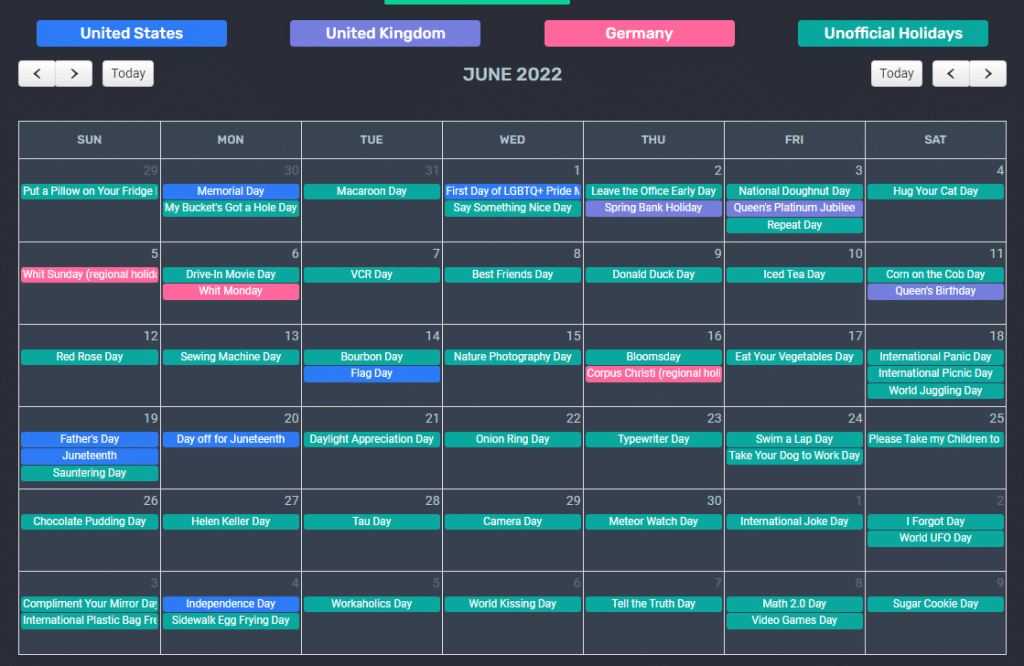
- Use MerchInformer Calendar to avoid overlapping promos
- Announce campaign on social media or email lists ahead of time
- Start promo on a Monday or early week for best algorithm pickup
5. Optimizing Listings & Ads Before Launch
A. Title Tags
Include dynamic phrases like “dog dad shirt limited time discount”.
B. A+ Banner
Update A+ module with “Sale ends Sunday” visuals and callouts.
C. Sponsored Campaign Refresh
In Amazon Ads, adjust bids to be 20–30% higher during promo timing
D. Add Negative Keywords
Exclude unrelated terms causing wasteful impressions during promo
E. Inventory Check
Ensure print-on-demand stays available and can fulfill extra volume
6. Executing the Promotion
A. Launch with Precision
Set promo at midnight PST / local listing time
B. Track Daily Metrics
- Use Competition Tracker to monitor ranking shifts
- Use Product Tracker for impressions, clicks, sells
C. Ongoing Adjustments
Adjust bids mid-promo if ACoS >30%; or push bids if performing well
D. Social & Newsletter Push
Promote campaign launch via brand channels for organic uplift
7. Monitoring Success with MerchInformer
Flag key indicators:
- Impression spikes
- CTR movement—indicates targeting relevance
- BSR decline—shows successful visibility
- Longer-term sales lift—see if ranking supports post-promo sales
Use 14-day snapshots post-promo to confirm lasting impact
8. Post‑Campaign Tactics
A. Keep Momentum
Update title to reinforce listing’s relevance—even after discount ends
B. Relaunch Extensions
Schedule follow-up promotions before the next expected seasonal boost
C. Cross-Sell
Add bundle offers referencing promo exposure for other listings
D. Reassess Keywords
Check post-promo data: did new keywords appear via Product Tracker or Amazon PPC? Refresh metadata accordingly
9. Common Mistakes to Avoid
- Overpromoting: Too frequent = reduced impact
- Ignoring visibility metrics: A fancy discount ≠ visibility boost
- No listing optimization pre-launch
- No performance tracking—makes campaign outcomes impossible to scale
- Insufficient budget allocation—leads to conflicting Amazon performance signals
10. Promotion Launch Checklist
| Step | Done? |
|---|---|
| Campaign objective defined | |
| Keywords & designs selected | |
| Timing aligned with trend & season | |
| Listing SEO optimized | |
| Ads updated and scheduled | |
| Promotion set in Amazon dashboard | |
| Social announcements ready | |
| Monitoring set up in Product Tracker | |
| Budget sufficient for 7-day run | |
| Post-campaign plan drafted |
Final Thoughts
Limited-time promotions can be more than just price cuts—they’re visibility levers that, when smartly timed with data from MerchInformer, breathe new life into your listings and attract loyal buyers. By strategically selecting listings, updating metadata, tracking results, and iterating, you’ll turn flash events into long-term gains.
Remember:
Timing is half the battle. Data is the other.
When promotional pulses are backed by insights and optimization, those quick bursts transform into sustainable success.